How mouse sharing works
CursorHop uses low-level HID (Human Interface Device) hooks to detect when your cursor reaches a screen boundary. The moment it hits the edge, CursorHop captures the movement and transmits it over your local network to the target computer.
On the receiving side, the cursor appears at the corresponding edge position — as if your screens were physically connected. The transition is instant, typically completing in under 5 milliseconds on a wired LAN.
No button press required
Unlike hardware KVM switches that require pressing a physical button or keyboard shortcut to switch control, CursorHop's edge detection is completely automatic. Just move your mouse naturally. Your brain quickly stops noticing the boundary between computers.
Works with any mouse
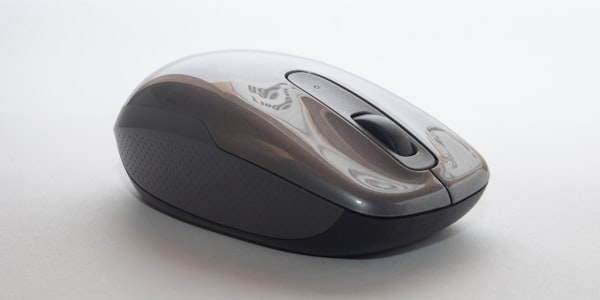
CursorHop operates at the OS level, not the hardware level. This means it works with any mouse — wired, wireless, Bluetooth, trackpad, or trackball. If your operating system can see the mouse, CursorHop can share it.
Why not a hardware KVM switch?
Traditional KVM switches require physical cables running between your computers and the switch box. They add desk clutter, introduce signal latency, and most only support 2 computers. CursorHop is pure software — install it, log in, and go. It supports up to 10 computers on the Max plan.
Cross-platform support
CursorHop works seamlessly between Windows and macOS. Move from your MacBook to your Windows PC and back without thinking about it. Key mappings are automatically translated between platforms — Command becomes Ctrl and vice versa.
Supported configurations
Any arrangement of screens works — side by side, stacked, or offset. CursorHop detects which edge to use based on your display layout configuration. Up to 10 computers are supported on the Max plan, with 2 on Pro, 5 on Pro Plus.